
 WhatsApp
 Telegram
 MAX
 Telegram bot
 MAX bot
 Instagram
 Avito

WhatsApp, Telegram and MAX in amoCRM
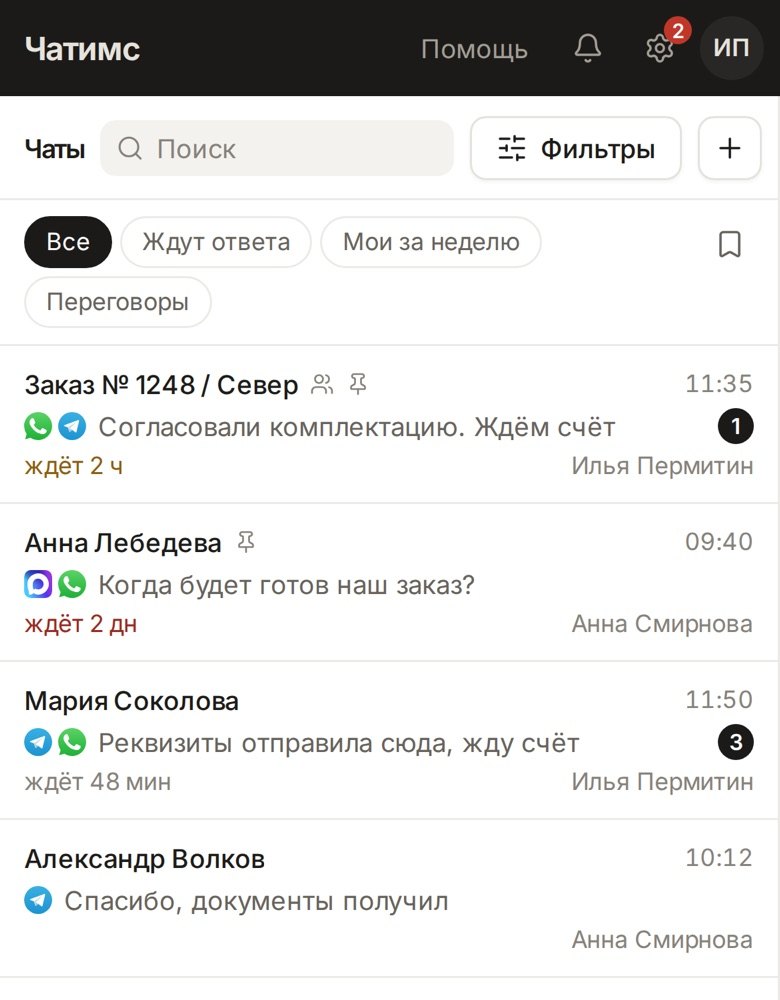
Client messages land in the amoCRM deal. Managers reply from the card using their own account, and the head of sales sees the whole team’s conversations.
- 7
- channels
- WhatsApp, Telegram, MAX, bots, Instagram and Avito
- 1 GB
- per file
- Documents, videos and voice messages reach the deal in full
- 10
- free bots
- Telegram and MAX bots, up to 500 conversations a month each
What the sales team gets
A new client writes: the deal already exists
In the right pipeline and stage. The responsible manager is assigned in turn.
No duplicate contacts
A known client is found by phone, Telegram ID, username or MAX ID and lands in their open deal.
Reply from your own account
The client gets the reply from the number of the manager who writes. A shared team number stays shared.
Groups stored once
A group chat and its messages are stored once, even with several of your employees in it.
Write first
To the number from the contact card: if a chat exists, the message goes there; if not, it is created on sending.
Panel next to the card
The Chatims Chrome extension shows the client’s whole conversation next to the open deal.
How to connect amoCRM
- 01 Sign up for Chatims. We will send you the amoCRM integration archive.
- 02 In amoCRM, create an integration from the archive and send us the keys. We prepare the letter to amoCRM support about chat channels.
- 03 Connect numbers with a QR code. While amoCRM prepares the connection, conversations are already visible in Chatims.
- 04 Choose the pipeline and stage for new clients and link managers to their numbers.
Connect your first number today
A number connects with a QR code. We will help link it to your CRM and give your team access.